 |
IPSDK 4.2
IPSDK : Image Processing Software Development Kit
|
|
IPSDK 4.2
IPSDK : Image Processing Software Development Kit
|
| image = | isEqualImgImg (inImg1,inImg2) |
| image = | isEqualImgImg (inImg1,inImg2,bIngoreBackground) |
| image = | isEqualImgImg (inImg1,inImg2,tolerance) |
| image = | isEqualImgImg (inImg1,inImg2,tolerance,bIngoreBackground) |
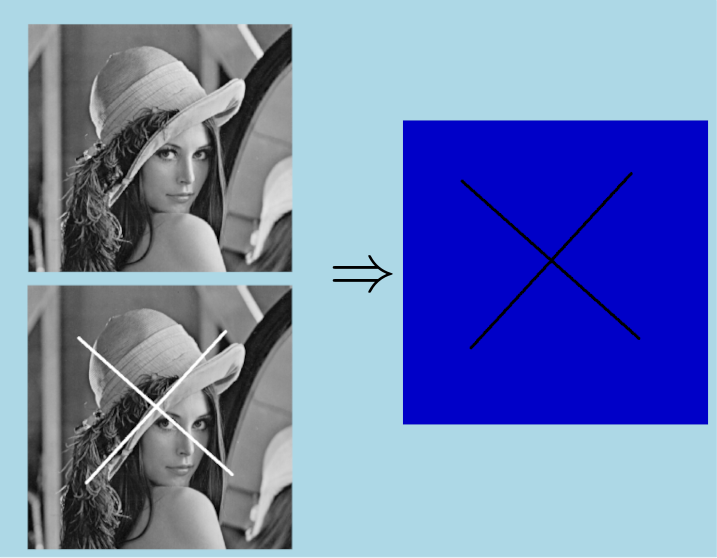
Set the pixels to true in the ouput binary images if the two input images are equal according to a tolerance.
This algorithm compares the two input images. The pixel in the output image is set to 1 if the corresponding pixels in the input images are similar, according to a tolerance.
![\[ OutImg[i] = \begin{cases} 1, & \text{if } | InImg1[i] - InImg2[i]| < \text{tol} \\ 0, & \text{ otherwise }\end{cases} \]](form_946.png)
 IPSDK by Reactiv'IP